Central Progression Is Cleaner
I learned how much cleaner a project becomes when progression is owned by a central system instead of being hard-coded into individual objects.
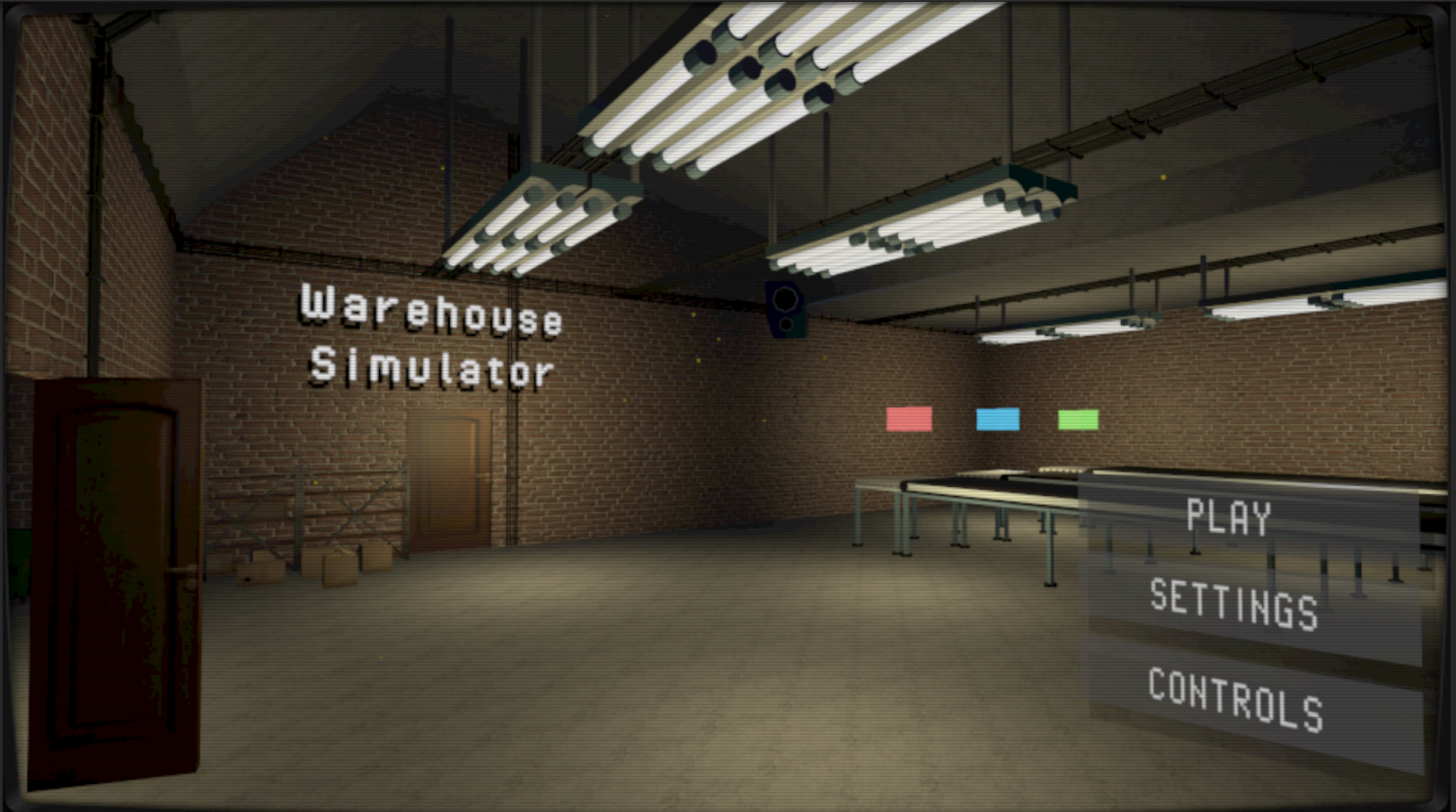
A Unity microgame developed over 12 weeks, focused on modular architecture and clear code responsibility, with interface-driven interactables, runtime task-flow changes, and varied interactions supporting clear player progression.
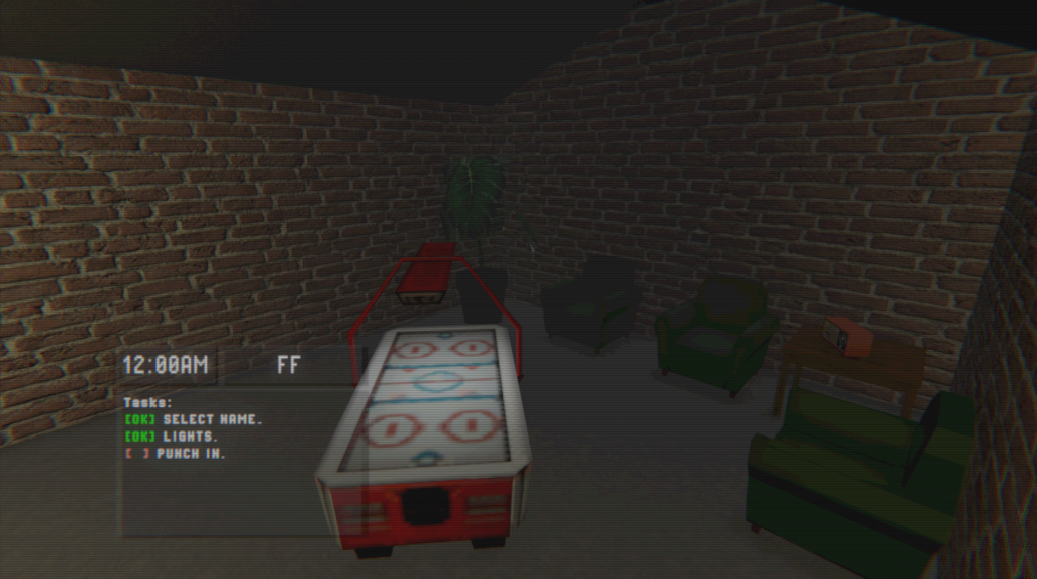
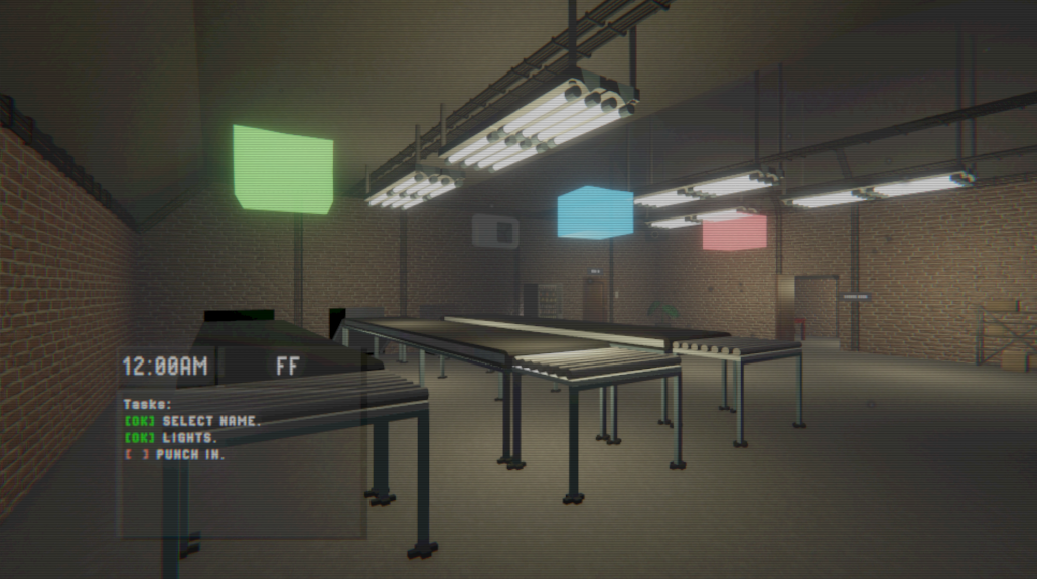
The game loop is built on a modular task framework. A central task manager owns progression and UI, while each task follows a shared lifecycle and uses a unified interactable component for consistent player prompts.
A mid-shift set piece reorders the active task list at runtime, allowing the power outage to redirect the player from their current objective to restoring the lights.
I learned how much cleaner a project becomes when progression is owned by a central system instead of being hard-coded into individual objects.
Reusing shared interactables made prompts, task checks, and player feedback easier to maintain as more warehouse tasks were added.
The task manager and runtime flow changes made the prototype easier to extend while keeping the shift structure easier for the player to follow.
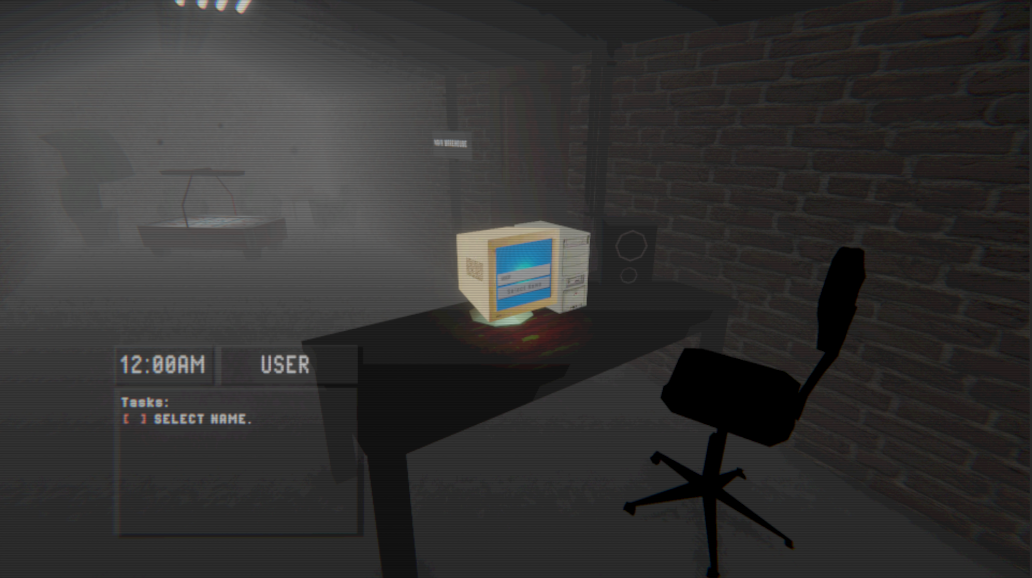
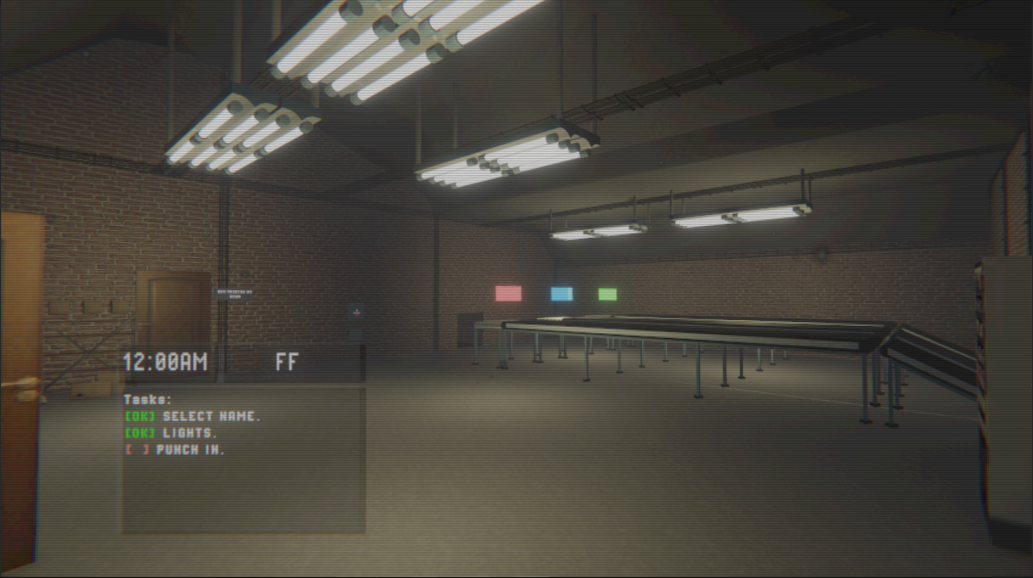
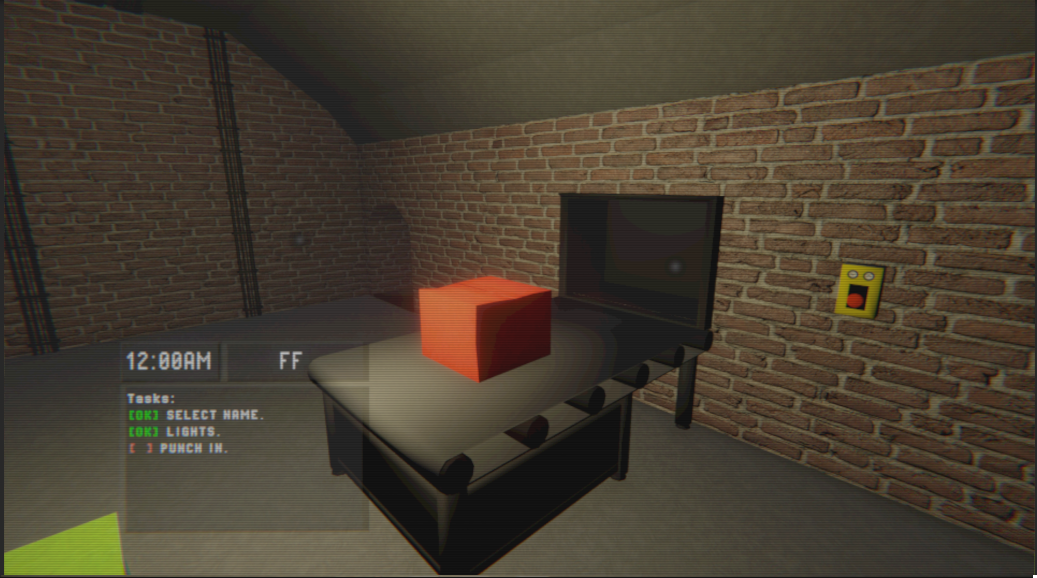
I would add more task variations, clearer fail-state feedback, and extra shift events so the modular task framework can show more of its flexibility during play.